NEW - ISO 27001 Certification and ONNX and Triton Blueprints for Accelerated Inference
One platform to connect people, data, tools, and compute to accelerate AI and data science model development.
Recently active
HP AI Studio is a workspace designed for people who need to build, test, or manage AI‑driven projects as part of their job. It brings the core pieces of an AI workflow into one environment so teams can move faster and stay aligned. Key Features That Matter at Work Centralized project organization Data, experiments, and results stay in one place. This helps analysts, data scientists, and technical PMs avoid version confusion and keep work moving. Clear experiment tracking Engineers and researchers can compare runs, document changes, and understand what actually improved a model - without digging through scattered notes or files. Easy onboarding for new team members Because everything is structured, new contributors can quickly understand the project history and current state. Collaboration built in Teams can share progress, review results, and hand off tasks without losing context. This is especially useful for cross‑functional roles like product managers, UX researchers, and technic
IntroductionIn the rapidly evolving landscape of digital creativity, HP's AI Studio emerges as a transformative platform designed to empower creators, developers, and innovators. As generative AI continues to redefine how content is produced, AI Studio by HP provides a robust ecosystem that integrates cutting-edge technologies with user-friendly tools to streamline workflows and unlock new creative possibilities. In-Depth Features of AI StudioAI Studio is built on the foundation of high-performance computing and intuitive design. It seamlessly integrates with Z by HP workstations powered by NVIDIA GPUs, offering creators the computational power needed to train and deploy complex AI models.Key capabilities include:Pre-trained and Custom Models: Access a library of pre-trained models or build your own using the intuitive training interface. Model Testing Environment: Evaluate performance and accuracy before deployment. Collaboration Tools: Real-time team collaboration for AI-driven proje
What Is HP AI Studio?HP AI Studio is a cloud-native, GPU-powered development platform purpose-built mainly for AI developers and data scientists. Part of HP’s AI Creation Center ecosystem, it streamlines the AI workflow by combining compute, collaboration, and reproducibility in one place, which is extremely useful with the plethora of tools that we manage nowadays.Key features include:One-click environments for PyTorch, TensorFlow, Hugging Face, Nvidia NGC Models, local LLMs, and more Containerized, portable workflows Hybrid compute support: local, on-prem, or cloud Built-in experiment tracking Collaboration capabilities for teamsAs a tool that supports the entire AI development process, from building an MVP to running large-scale training and deploying models into production, HP AI Studio is designed to assist you. But as denoted from the title, like many platforms, it offers both Free and Pro (Paid) tiers.So — how usable is the free version? And when does it make sense to upgrade?Wh
We’re excited to share that the latest release of HP AI Studio (v1.52.6) is officially live! This update includes powerful new features and usability upgrades designed to help you build faster, collaborate better, and onboard with ease.Whether you're just getting started or deploying locally at scale, this release brings improvements that strengthen our value proposition, enhance customer outcomes, and create new opportunities for success.🔧 Upgrade InstructionsTo get the latest version of AI Studio, head over to zDocs and download the production release: https://zdocs.datascience.hp.com/downloads✨ What’s New in v1.52.6 Blueprints Quickly build custom AI use cases with pre-built templates and modular building blocks. These are designed to help you start local and move faster with ready-to-edit examples. Workspace Editing You can now create, edit, and save custom workspaces to share with collaborators. Perfect for project handoffs or group workflows. In-App Landing Page Our new home
This demo shows how AI Studio connects with NVIDIA's NGC Catalog, giving you quick access to hundreds of ready-to-use AI models. Instead of building models from scratch, you can simply search, download, and use pre-made models for tasks like image recognition, text analysis, and speech processing.It also explains how to add these models to your projects in just four simple steps and shows real examples of how they work. This makes creating AI applications much faster and easier, letting you focus on solving problems rather than training models.Video:
Hi, I’m Rick Gosalvez, AI Product @ HP, and I recently had the chance to speak at AI Summit London about the work we’re doing with HP AI Studio—and what’s coming next.It was a fantastic event. The energy around AI this year is unlike anything I’ve seen before, and it was exciting to share how we’re helping teams build AI securely, on their own terms.Why HP AI Studio?Many of the customers I work with are asking the same question: “How can we build AI using our own data—without sending it to the cloud?”That’s exactly what HP AI Studio was designed for. It’s a platform that allows teams to train and develop custom AI models directly on-premises—without giving up control, privacy, or performance.If you have sensitive data, strict IT policies, or cost concerns around cloud usage, this is your solution.🚀 What We Just LaunchedAt the summit, I announced two features I’m particularly proud of:✅ BlueprintsThese are pre-configured workflows that get you building fast. Add your data, click throu
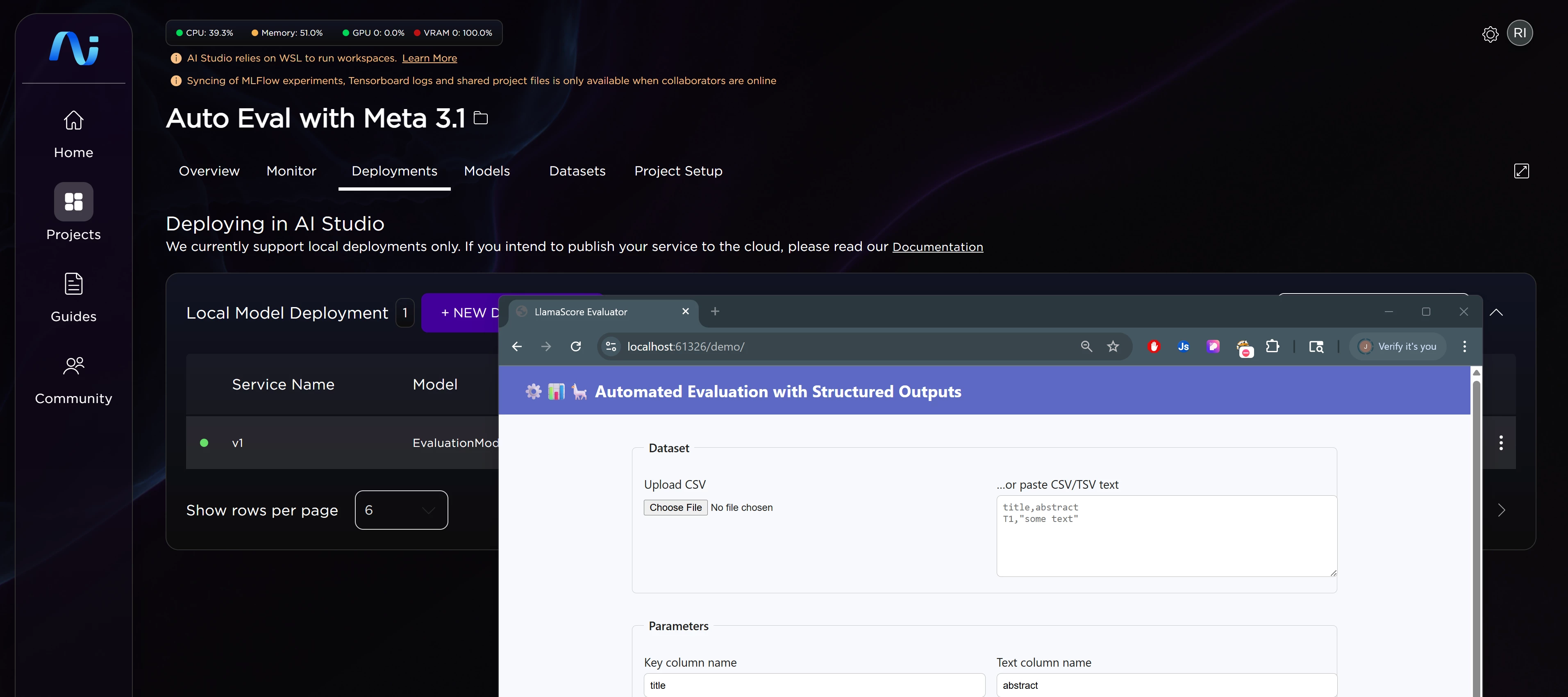
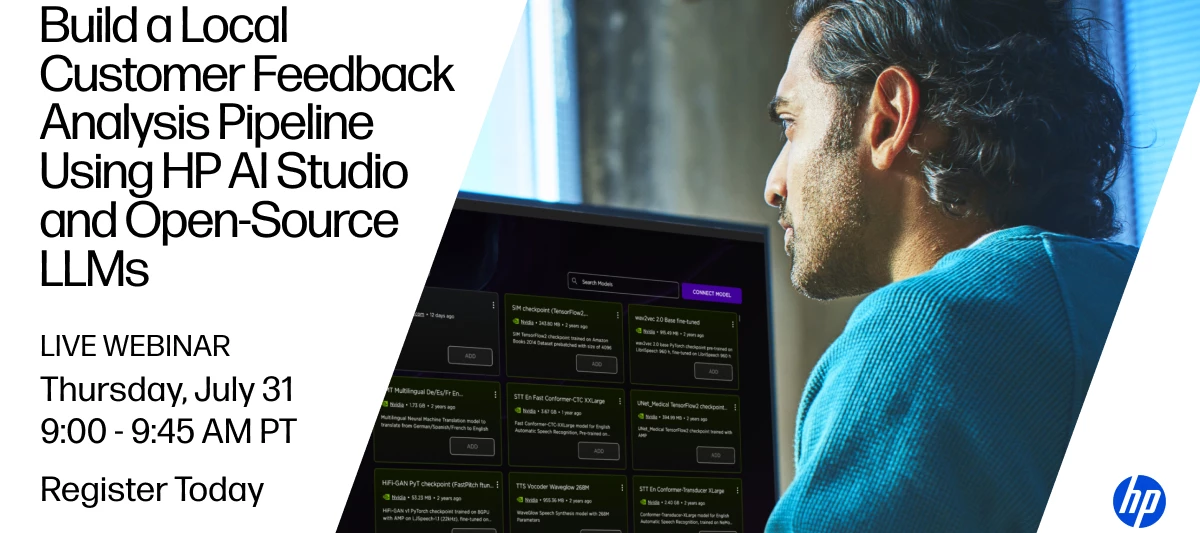
Ever wonder how to turn a pile of unstructured customer feedback into clear, actionable insights—all while keeping your data fully private?Join us for a hands-on session with HP AI Engineer Ata Turhan, as he walks through a complete feedback analysis blueprint built entirely within HP AI Studio, using open-source and local tools like Llama.cpp, LangChain, LangGraph, MLflow, and Streamlit.What to ExpectIn this 45-minute live webinar, you’ll see how survey responses, internal notes, and even dogfooding data can be processed, summarized, and visualized through a local, interactive workflow. Everything runs directly in HP AI Studio—no cloud dependencies, no third-party data sharing.What You’ll Learn How to summarize and analyze unstructured feedback using open-source LLMs How to deploy a full feedback analysis pipeline locally in HP AI Studio How tools like LangGraph and MLflow can fit into a reproducible, end-to-end workflow How to replicate the entire project in your own setup in u
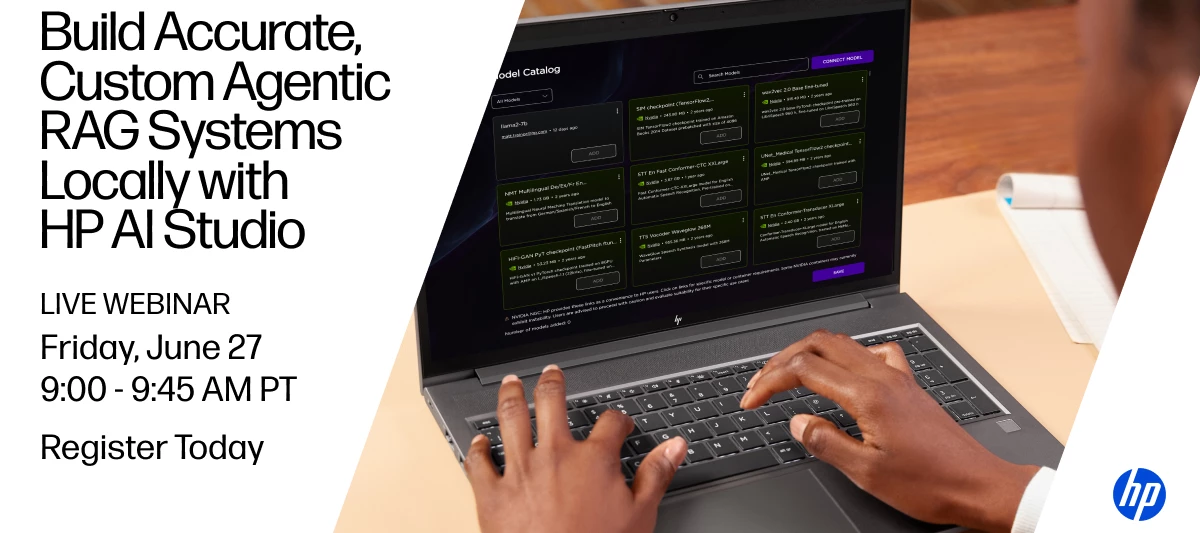
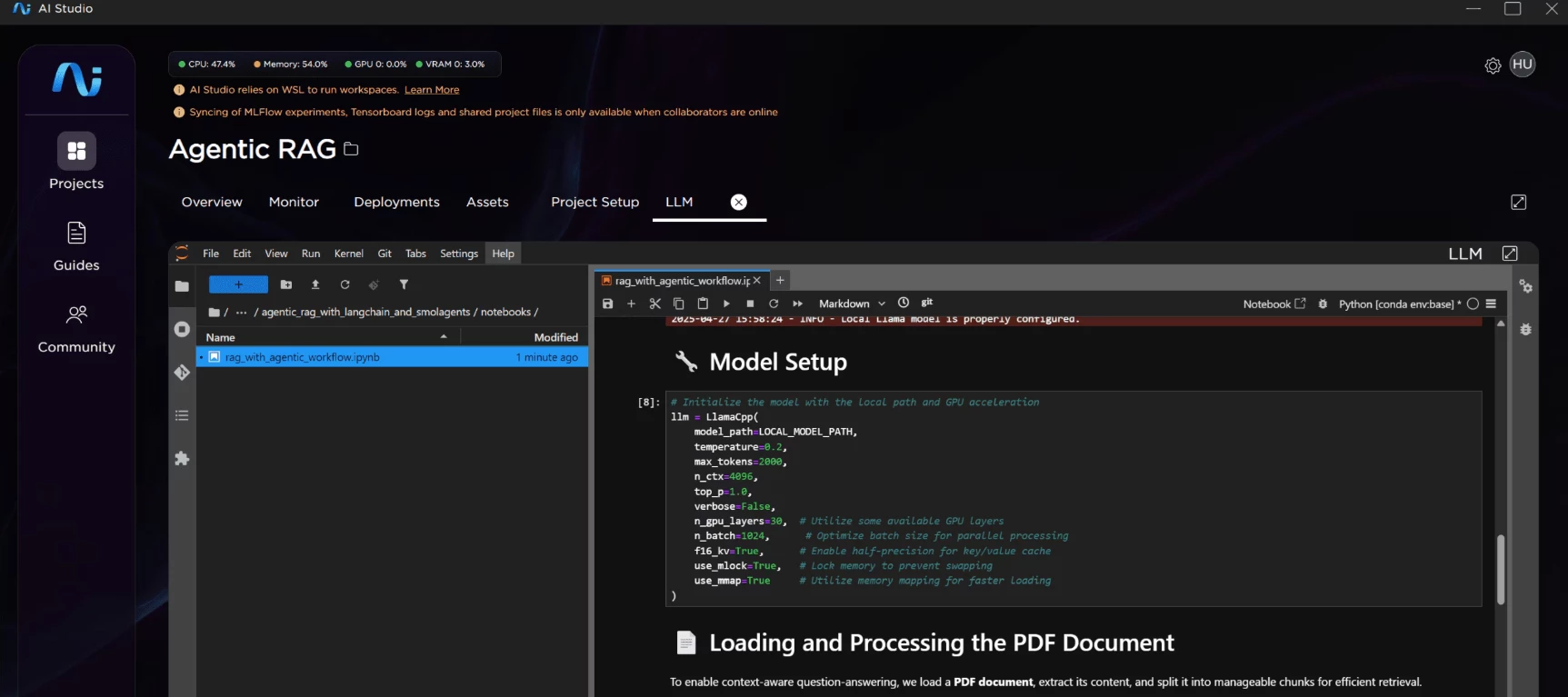
Build Accurate, Custom Agentic RAG Systems Locally with HP AI StudioWant to develop more capable RAG (Retrieval-Augmented Generation) systems using local models? On June 27th, join HP AI Engineer Ata Turhan for a live webinar showcasing how to streamline the development of advanced agentic workflows using HP AI Studio.In this session, Ata will walk through a real-world example of a local Agentic RAG pipeline that combines TRT-LLM and LangGraph to answer platform-related questions by retrieving information from Zdocs—a curated collection of documents about HP AI Studio. The workflow leverages query rewriting, memory, and tool use to generate highly accurate, reference-backed responses.You’ll get a hands-on look at how HP AI Studio makes it easy to prototype, customize, and deploy advanced AI systems directly on local hardware.What You’ll Learn: How to architect a local Agentic RAG system using HP AI Studio Techniques to improve answer quality with query rewriting, memory, and tool cal
We’re excited to share that a new free version of HP AI Studio is now available—giving more creators and developers access to powerful AI tools at no cost.With the free version, you’ll get access to a streamlined set of features designed to help you prototype, build, and manage AI projects with ease:Basic blueprints Pre-defined & customizable workspaces Up to 5 projects Container export Local and remote storage support Access to the NVIDIA NGC Catalog Model artifact management Run local jobs Community-based supportWhether you're testing ideas or building something new, HP AI Studio Free Edition gives you the essentials to get started fast.Ready to build with HP AI Studio for free? Get started now 🚀
I can’t find the “Local GenAI” image in my catalog. How can I enable it on my machine? (The attached screenshots below show one catalog with “Local GenAI” and another without it.)
What are the best strategies and practices to prevent or resolve errors like these?When using the HP AI Studio Platform, I often encounter pip dependency conflicts inside a Jupyter Notebook — particularly when pulling the NVIDIA NeMo framework from the HP AI Studio Images Catalog to create a new workspace—and then running Jupyter notebooks in the HP AI Blueprint “Agentic RAG for AI Studio with TRT-LLM and LangGraph” (https://github.com/HPInc/AI-Blueprints/tree/main/generative-ai/agentic_rag_with_trt-llm_and_langgraph). A similar dependency issue also occurred when running the notebooks in the “Vacation Recommendation Agent” blueprint (https://github.com/HPInc/AI-Blueprints/tree/main/ngc-integration/vacation_recommendation_agent_with_bert). In both cases, pip reports conflicts such as:ERROR: pip’s dependency resolver does not currently take into account all the packages that are installed. This behaviour is the source of the following dependency conflicts. numba 0.57.1+1.g5fba9aa8f req
Hello, I am trying to open my HP AI studio, I downloaded it from the page you can see before in my local machine. In theory I meet all the hardware and software requirements, I have installed Cuda and WSL 2 is fine. But HP AI studio is stuck in "configuring certificates" while trying to open it (see image below). What can I do? Thank you in advance for your help.
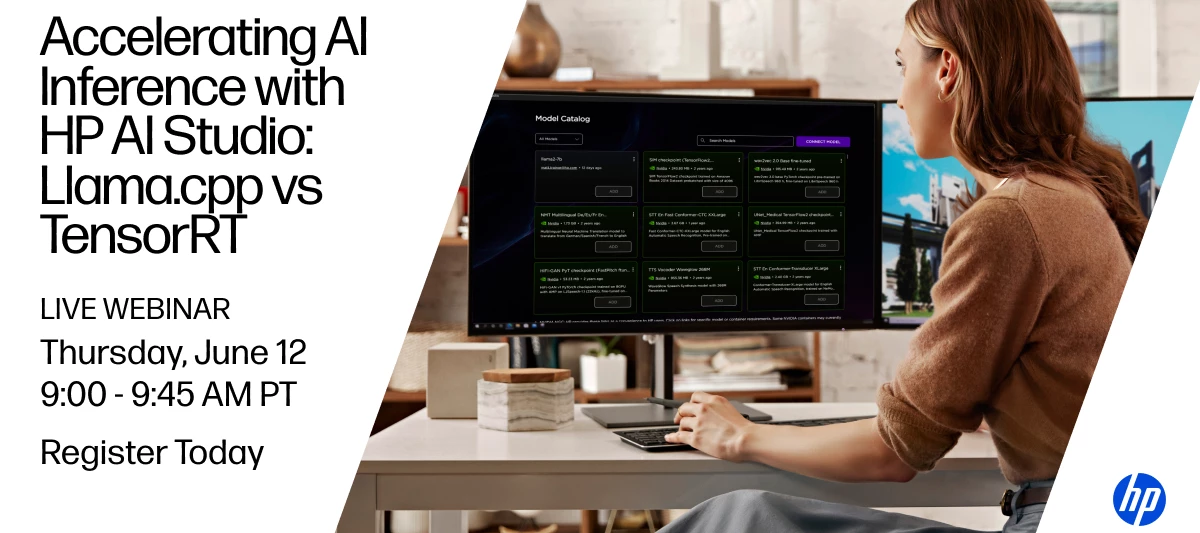
Choosing the right inference framework can make or break your AI development strategy. In this webinar, Rafael Borges, a Software Architect and AI Engineer at HP will compare Llama.cpp and TensorRT to help you determine the best fit for your GPU edge application – using HP AI Studio to streamline testing, benchmarking, and customization.You’ll gain actionable insights into: Real world performance trade offs Development and deployment considerations Practical use cases and implementation blueprints in HP AI Studio How HP AI Studio accelerates experimentation and optimization for edge AI inferenceLive Webinar: Accelerating AI Inference with AI Studio: Llama.cpp vs. TensorRT LLMSpeaker: Rafael Borges, Software Architect and AI Engineer at HPDate: June 12thTime: 9:00am – 9:45am PSTLimited spots available – register today!
I was hoping to get some context for two error codes (2503, 2502) when trying to install AI Studio. Please advise. Thank you for your time.
I’m new to HP AI Studio and wanted to use the product to learn how to train models. I’m currently running into the issue of it using 80% of my CPU when the AI Studio is open without it running any tasks or projects while using 0% of the GPU. How am I supposed to use this platform if it already consumes that much of my cpu when it’s doing nothing?! Specs:CPU : 12th gen Intel i7-12650HGPU: RTX 3070Ti LaptopMemory: 32gb 4800 MT/s
Getting issue while installing HP AI Studio
This project compares two convolutional neural network architectures on the Fashion MNIST dataset:SimpleCNN: A basic CNN with 2 convolutional layers. DeeperCNN: A deeper CNN with 4 convolutional layers.The goal is to evaluate and visualize the marginal performance differences between these models using accuracy, loss, ROC curves, and probability-based visualizations. How to Run Create New AIS Project Install dependencies: pip install -r requirements.txt3. Run the notebook: Open fashion_mnist_comparison.ipynb in Jupyter Lab and execute all cells sequentially. Resources:https://github.com/HPInc/aistudio-samples/tree/main/hackathon-sample-projects/hackathon-retail-MNIST
This demo shows how to download code and use AI Studio to run the notebooks and scripts for predicting the Remaining Useful Life (RUL) of turbofan engines using a Recurrent Neural Network (RNN) model. The project is inspired by the work on Weibull Time-To-Event Recurrent Neural Networks (WTTE-RNN) for churn modeling, as detailed in this blog post.Start with this git repo. Watch the demo for step by step instructions on using the code in the AIS project.Most importantly, have fun!
Overview This project implements an AI-powered system for marketers and IT managers to identify potential customers based on their technologynology adoption patterns. The system uses natural language processing to match user profiles with specific queries, enabling targeted marketing and product recommendations based on technology adoption behaviors.Features Natural language query interface for finding similar technology users Semantic search using sentence transformers MLflow integration for model versioning and deployment Interactive demo interface with visual gauge indicators Comprehensive technology user profile analysis Support for filtering based on adopter categories and technology preferencesAI Studio Benefits for Technology Adoption Projects Custom workspace configuration allows tailoring resources to specific technology adoption model needs Connect to multiple data stores across local and cloud networks, essential for accessing user behavior data from different sources Local
OverviewThis project implements an AI-powered system for banking relationship managers to identify suitable customers for personalized product recommendations. The system uses natural language processing to match customer profiles with specific queries, moving beyond traditional rule-based targeting to a more nuanced approach.Features Natural language query interface for finding similar customers Semantic search using sentence transformers MLflow integration for model versioning and deployment Interactive demo interface Comprehensive customer profile analysis Support for filtering based on credit scores and other metricsAI Studio Benefits for Banking ProjectsCustom workspace configuration allows tailoring resources to specific banking model needs Connect to multiple data stores across local and cloud networks, essential for accessing sensitive banking data from different secure sources Local computation capabilities support processing large financial datasets without network vulnerabil
This is an example of AI Studio project for predicting Crypto prices. This tool creates a "what-if" scenario showing how stock and cryptocurrency prices might behave over time. Think of it like a weather forecast, but for financial markets. Instead of using real market data, it creates realistic fictional price movements based on mathematical models.Steps to get it running in AI Studio:Copy (git clone) the code to your local machine: Open AI Studio, create New Project or add a Worksp[ace to an existing Project. Drag and drop the Notebook and requirements.txt to the Workspace Install the requirements (from AIS Terminal) Run the Notebook!git repo: https://github.com/HPInc/aistudio-samples/tree/main/hackathon-sample-projects/Stocks-cryptoStep by step Walkthrough:https://vimeo.com/1076094469?share=copy
This is an example of AI Studio project for predicting Crypto prices. This tool creates a "what-if" scenario showing how stock and cryptocurrency prices might behave over time. Think of it like a weather forecast, but for financial markets. Instead of using real market data, it creates realistic fictional price movements based on mathematical models.Steps to get it running in AI Studio:Copy (git clone) the code to your local machine: Open AI Studio, create New Project or add a Worksp[ace to an existing Project. Drag and drop the Notebook and requirements.txt to the Workspace Install the requirements (from AIS Terminal) Run the Notebook!git repo: https://github.com/HPInc/aistudio-samples/tree/main/hackathon-sample-projects/Stocks-crypto
This video reviews the process of creating a html based UI in HP AI Studio.This project demonstrates how to build, deploy, and interact with a machine learning model using MLflow. It provides recommendations for Netflix content based on user queries.Key features:A Python model that finds Netflix content using semantic similarity MLflow for model packaging and deployment Simple HTML interface for users to interact with the model📎Github Project Files
This video reviews the process of creating a workspace in HP AI Studio.
Explore how AI Studio enables fast, visual, and data-rich insurance portfolio analysis using this ready-to-run notebook. The demo walks through generating synthetic policy data, analyzing risk exposure, and visualizing results—all in one workspace. 📎 View the project on GitHub
Already have an account? Login
Enter your E-mail address. We'll send you an e-mail with instructions to reset your password.